
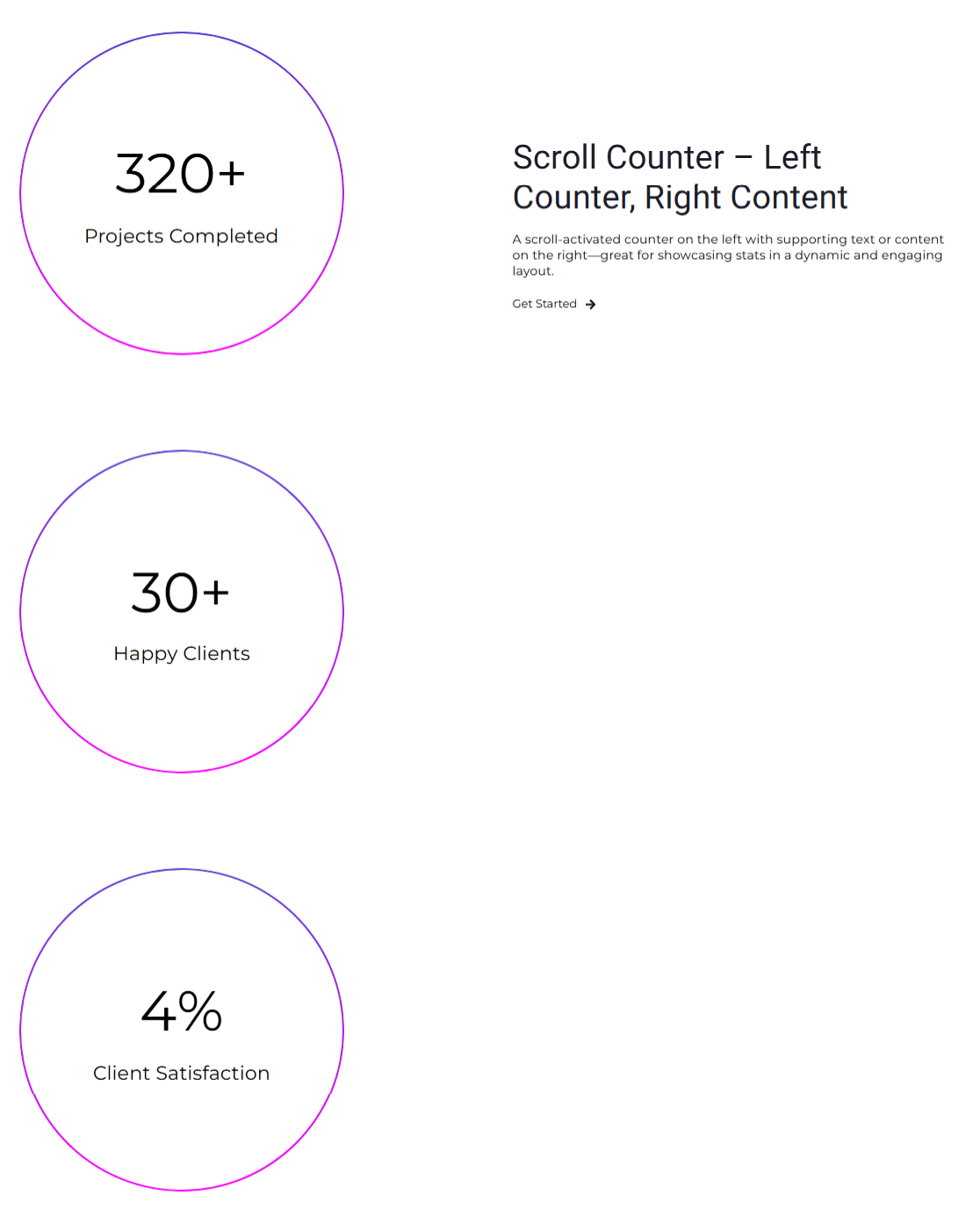
Scroll Counter – Left Counter, Right Content
An animated scroll-triggered counter displayed on the left, paired with descriptive content on the right—ideal for highlighting key metrics in an eye-catching format.
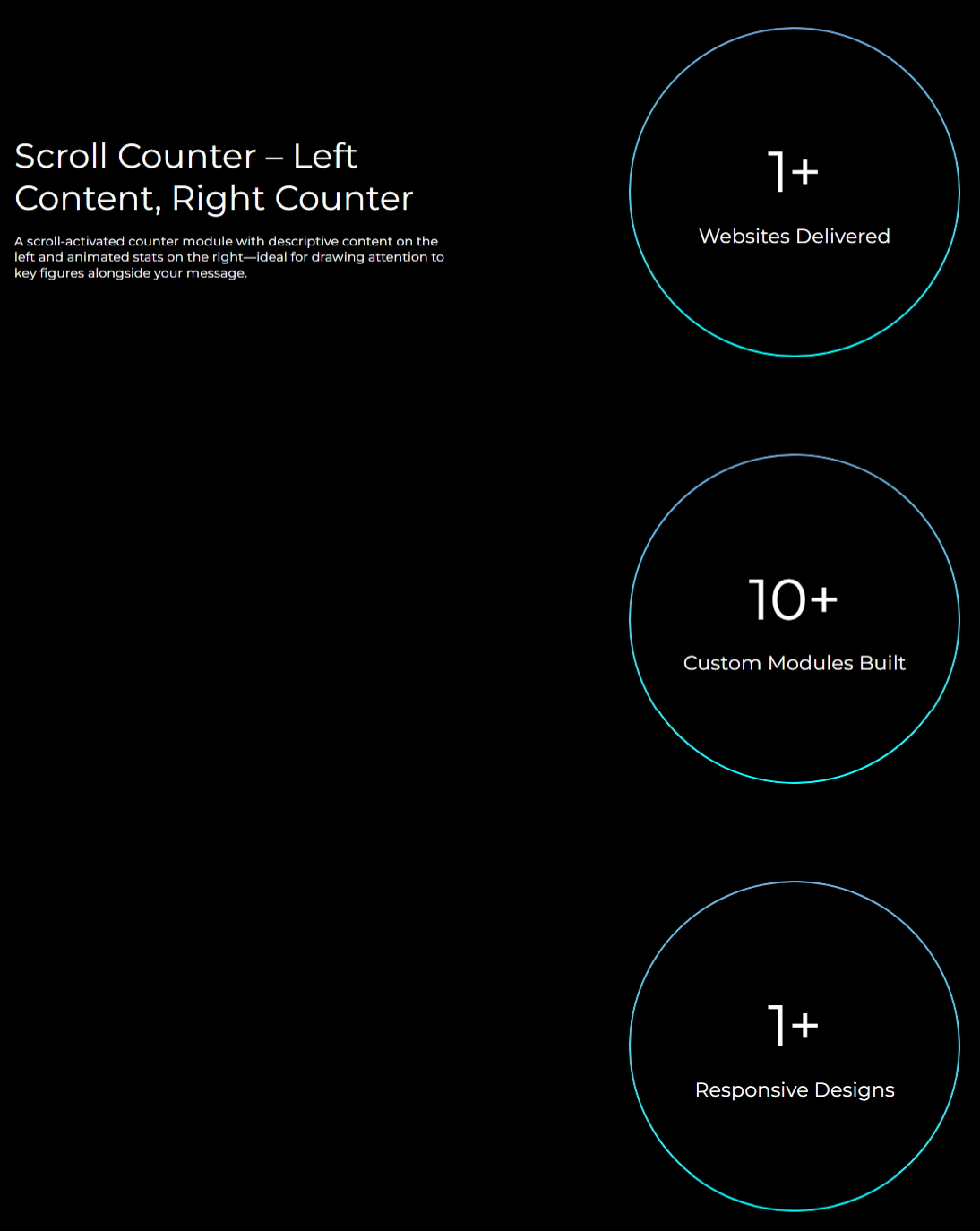
Scroll Counter – Left Content, Right Counter
An animated scroll-triggered counter module with content on the left and dynamic stats on the right—ideal for highlighting key figures in an engaging layout.
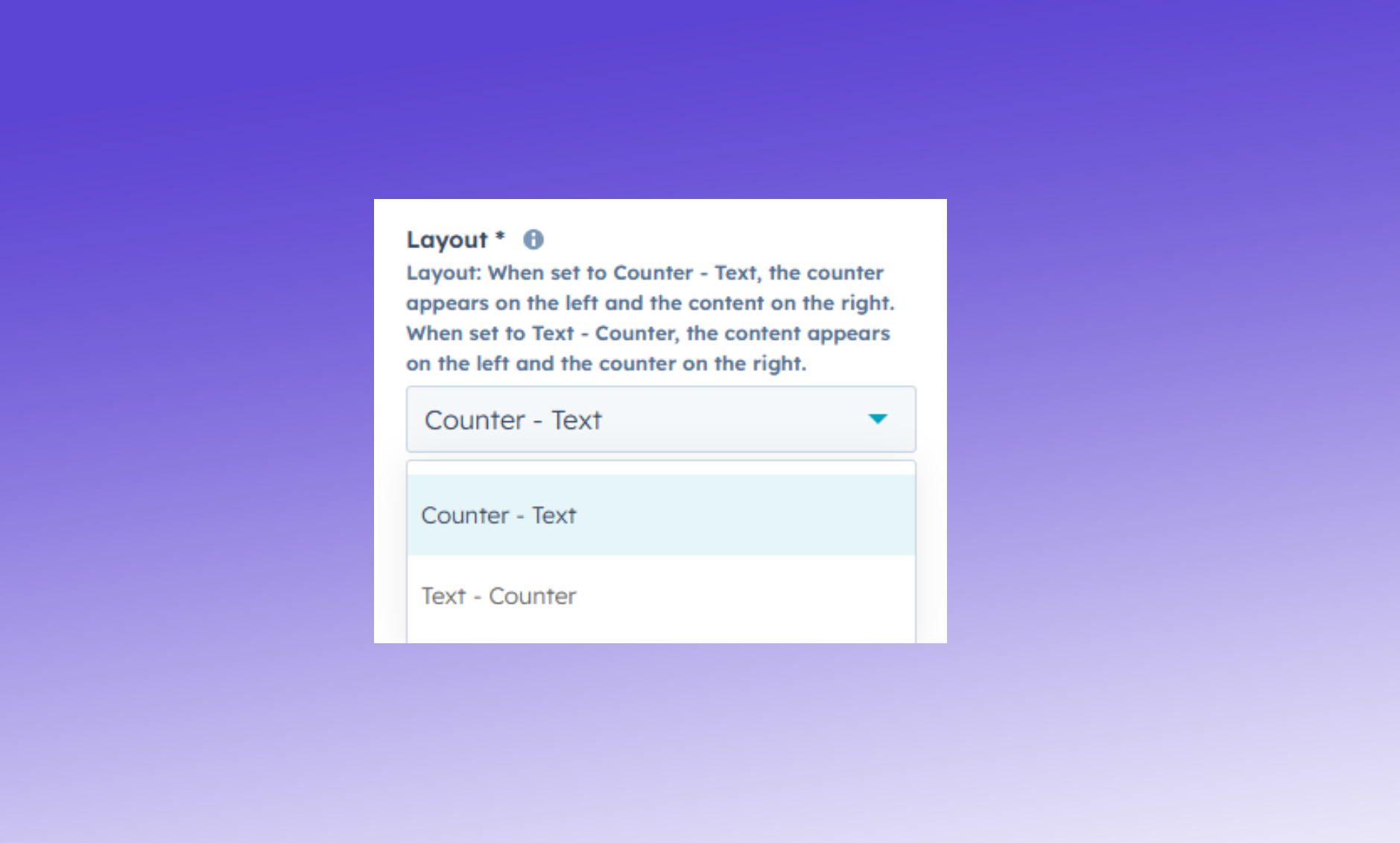
Layout Direction
Choose the arrangement of content and counter—either place the counter on the left or the right based on your design preference.
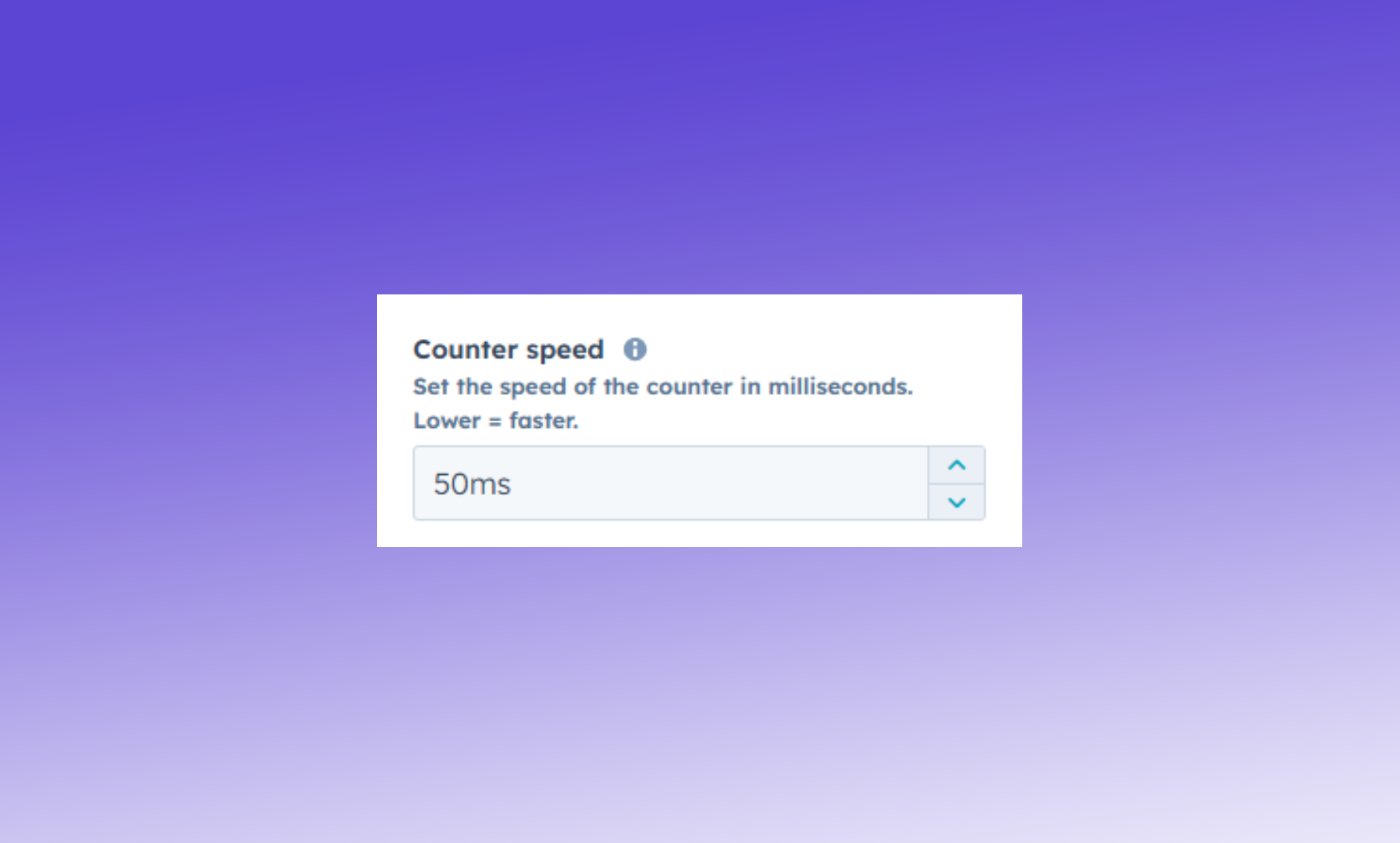
Counter Speed
Control how fast the counter animates by setting the speed (in milliseconds). Higher values slow it down; lower values make it faster.
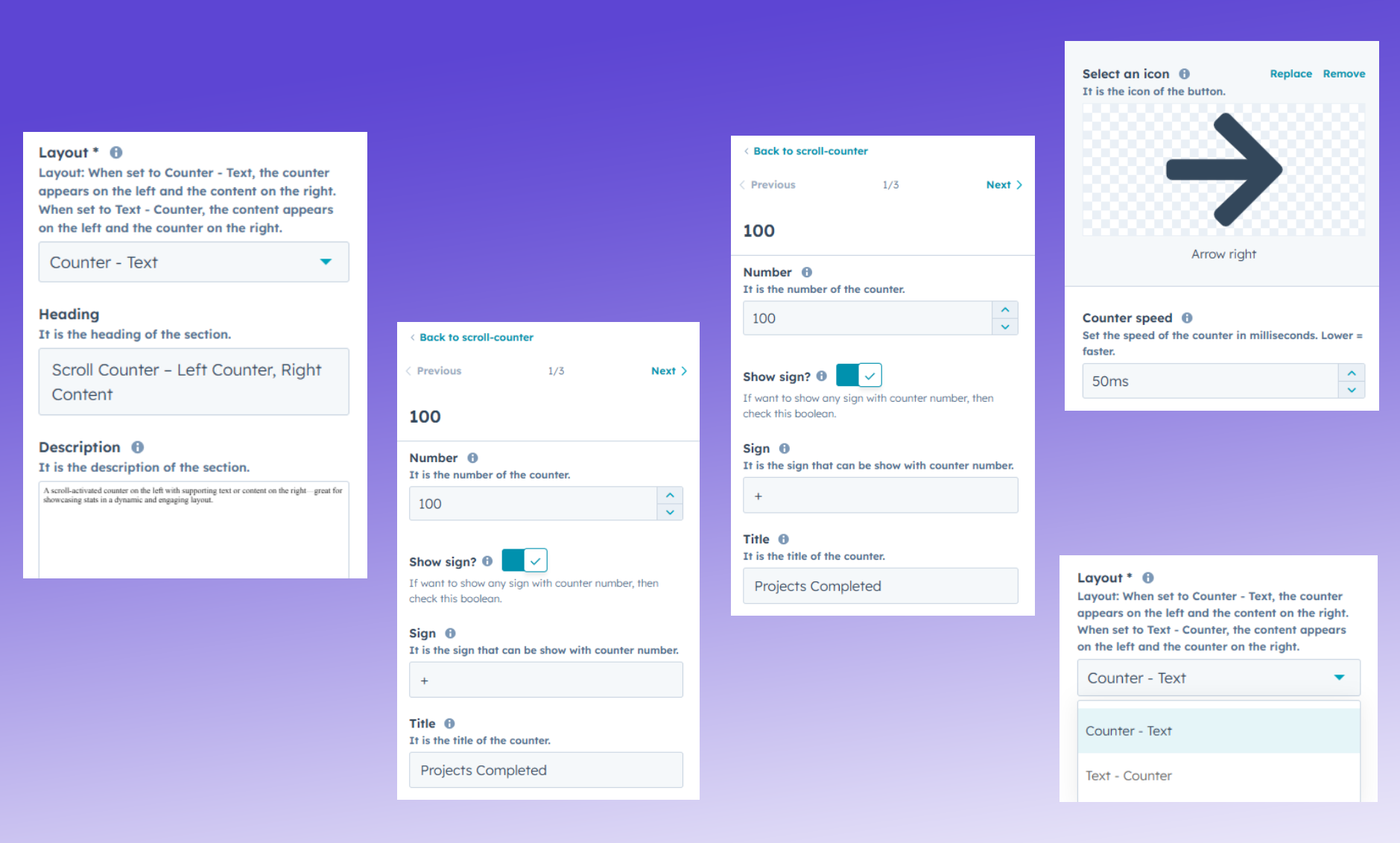
Text & Counter Settings
Customize layout, heading, description, and button text. Set counter values, titles, optional signs, and control animation speed—all in one place for full content flexibility.
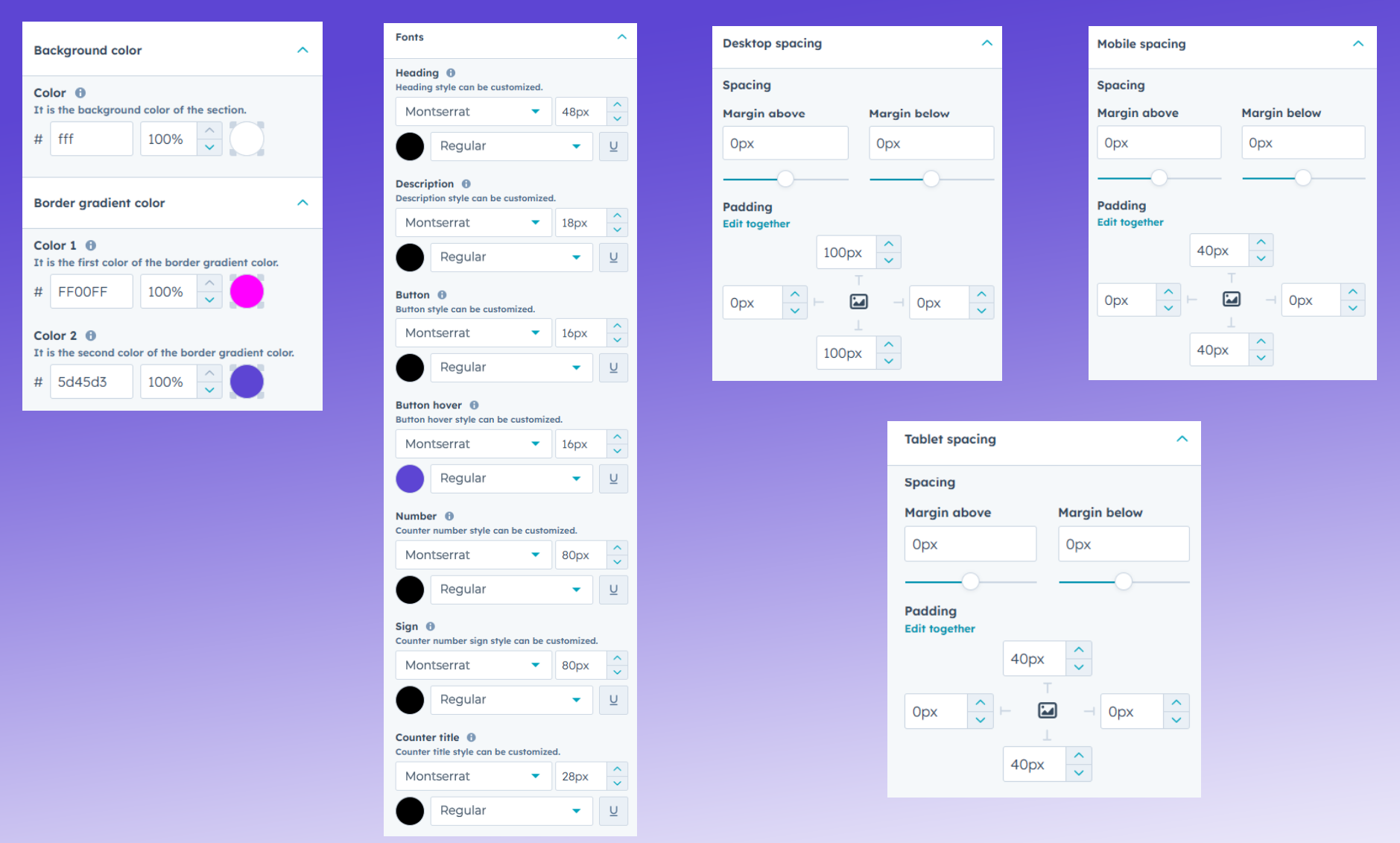
Style & Appearance Settings
Control the look and feel with background color, font settings for headings, descriptions, buttons, and counters—including font size, color, and family. Also includes responsive spacing options for desktop, tablet, and mobile layouts.
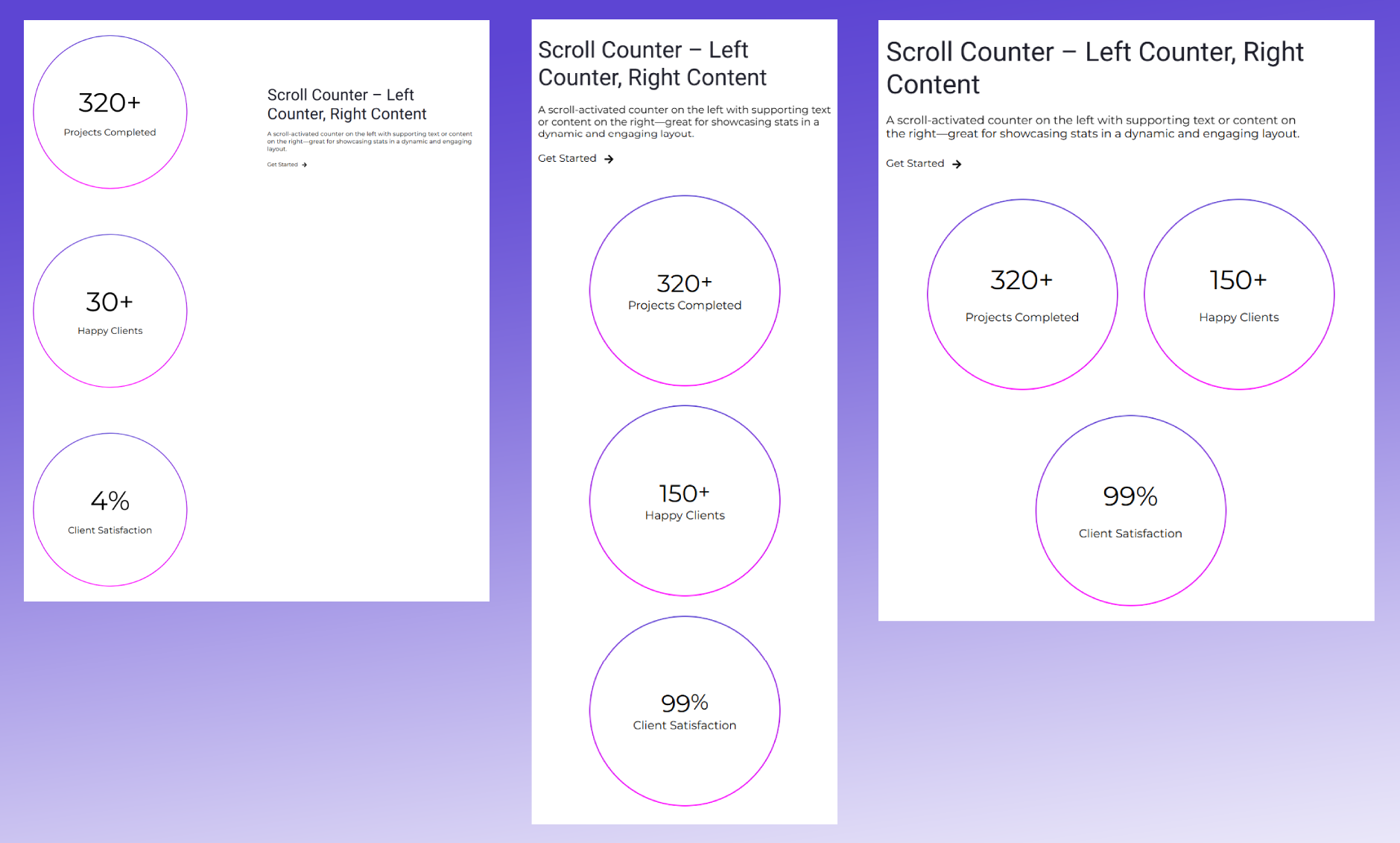
Responsive Layout Preview
Define layout variations for desktop, tablet, and mobile to ensure optimal spacing and alignment across all devices. Tailor your design for a seamless experience everywhere.